SVG guide
Convert SVG to PNG locally from free SVG icons, logos, and images
A practical SVG to PNG workflow for choosing the right SVG, previewing it, and exporting PNG when raster output is the better fit.
Overview
Need an image for a document, slide, or app that does not accept SVG? Choose an SVG, adjust its colors, and download a PNG at the size you need.
Steps
- Use SVG preview first so you can inspect the asset clearly on a transparent, light, or dark stage.
- Customize colors if the default palette is too light, too dark, or too brand-specific for your document.
- Choose Download PNG on the item page when you need a raster file for slides, docs, CMS fields, or sharing.
- Keep the SVG version too when you may want to edit the vector later.
Collections to start from
FAQ
When is PNG better than SVG?
PNG is often easier for slides, docs, marketplaces, social uploads, and tools that only want a final raster asset.
What kinds of assets export especially well to PNG?
Flags, emoji artwork, illustrations, and medical or civic graphics are strong candidates when you need a quick raster output.
Recommended assets for this guide

Rocket Emoji
Flat emoji-style rocket artwork from Fluent Emoji.
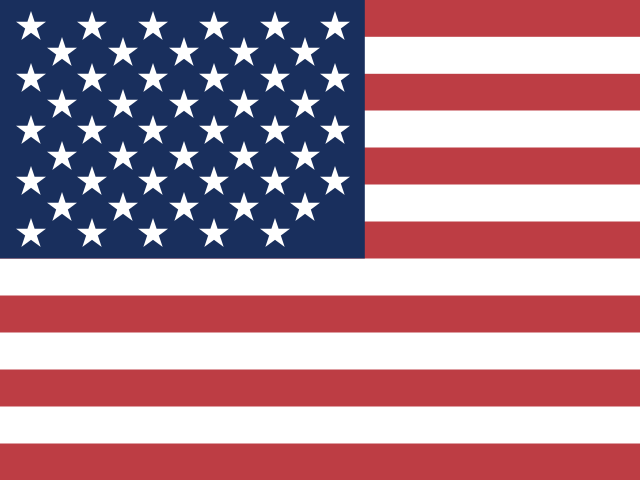
United States Flag
SVG flag of the United States.
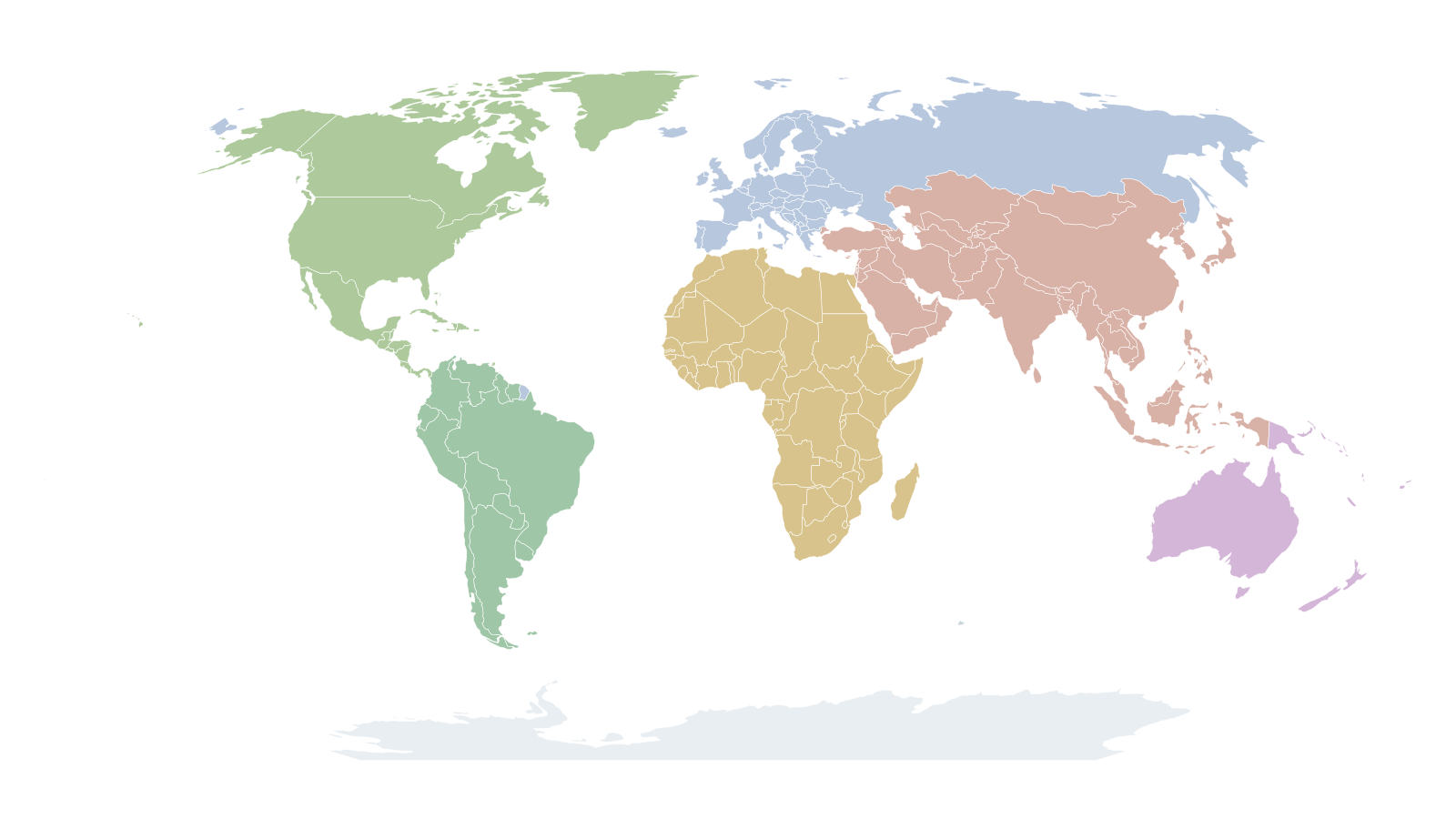
World Map Transparent Background
Editable SVG world map with transparent background and individual country paths.

Blue Pill
CC0 pill vector from Bioicons.

Activity
Heartbeat-style activity icon from Feather.

Airplay
Display and casting icon from Feather.

Analytics
Analytics icon in Material style.

Aperture
Aperture icon for photography and optics.

Archive
Archive box icon in Feather style.

Arrow Right Circle
Circular arrow CTA in Feather style.
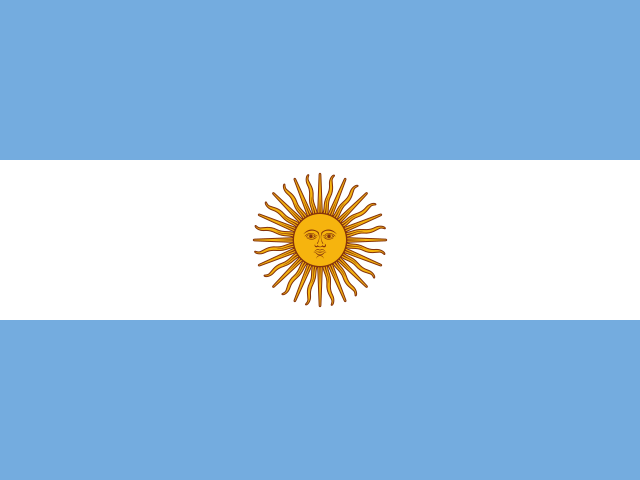
Argentina Flag
SVG flag of Argentina.
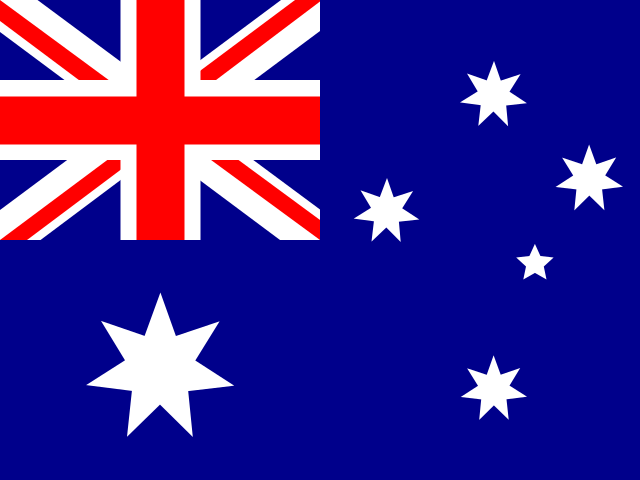
Australia Flag
SVG flag of Australia.