SVG guide
Find SVG alternatives when a PNG to SVG conversion is not the right fit
A search path for replacing a raster PNG with an existing editable SVG icon, logo, illustration, flag, emoji, or symbol from the library.
Overview
Automatic PNG to SVG conversion often creates messy traced vectors. When you need a clean editable SVG, it is usually better to start from a native SVG asset that already matches the subject, then export SVG or PNG from that asset page.
Steps
- Search the library for the subject of the PNG: icon, logo, flag, illustration, emoji, cursor, medical graphic, or symbol.
- Open a matching SVG asset page and inspect it on light, dark, or transparent backgrounds.
- Customize detected colors if you need the SVG to match the original PNG or your brand palette.
- Download SVG when you need editable vector output, or download PNG when the final destination still needs a raster image.
Collections to start from
FAQ
Is this a PNG to SVG auto-tracing converter?
No. It does not trace uploaded PNG files. It helps you find a clean existing SVG alternative, which is often better than a noisy traced vector.
What should I search for if I only have a PNG?
Search for the subject or use case, such as icon, logo, flag, medical, payment, cursor, emoji, or illustration, then choose a native SVG asset.
Can I still download PNG after choosing an SVG?
Yes. Every asset page can export PNG locally from the selected SVG when you need raster output.
Recommended assets for this guide

Search
Search and find icon for toolbars or discovery UI.
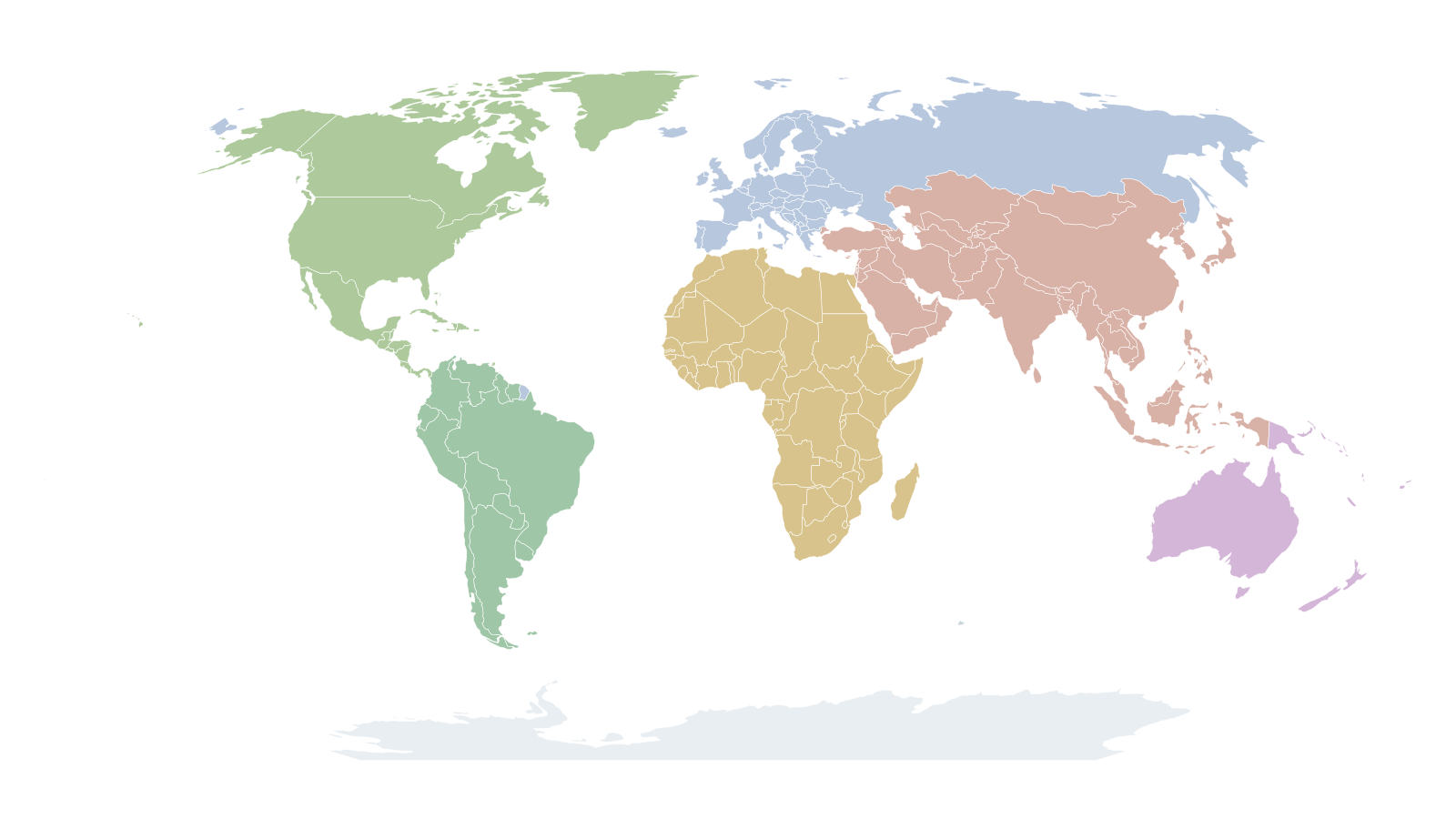
World Map Transparent Background
Editable SVG world map with transparent background and individual country paths.

Image (Eva Icons)
Image icon from Eva Icons.

Figma (Simple Icons)
Figma logo in SVG for design-tool pages.

Activity
Heartbeat-style activity icon from Feather.

Airplay
Display and casting icon from Feather.

Analytics
Analytics icon in Material style.

Aperture
Aperture icon for photography and optics.

Archive
Archive box icon in Feather style.

Arrow Right Circle
Circular arrow CTA in Feather style.

Anthropic
Anthropic brand logo in SVG.

Asana
Asana logo in SVG.