SVG guide
Use SVG graphics in docs, decks, and knowledge-base pages
A guide to choosing the right SVGs for documents, slide decks, public pages, and static editorial layouts.
Overview
Docs and presentations need clarity more than code integration. The best workflow is to start with a targeted collection, preview the asset, then export SVG or PNG based on the destination.
Steps
- Pick a task-specific collection like flags, legal symbols, medical graphics, currency symbols, or illustrations.
- Use the item page preview backgrounds to make sure the asset still reads clearly when placed on a white slide or document canvas.
- Export SVG for crisp vector placement in compatible tools, or PNG when the destination expects raster images.
- Link between item pages, collections, and guides so your team can reuse the same assets consistently.
Collections to start from
FAQ
What kinds of assets work best in docs and decks?
Flags, legal symbols, civic graphics, currency signs, medical vectors, and illustrations usually work best because they carry clear meaning at a glance.
Should I always use SVG in documents?
Not always. If the tool or workflow is raster-first, PNG is often the simplest final format.
Recommended assets for this guide

Scales of Justice
Public-domain scales of justice emblem for courts, legal services, and civic authority themes.

Gray Compass Rose
Public-domain compass rose for navigation, maps, and heritage layouts.
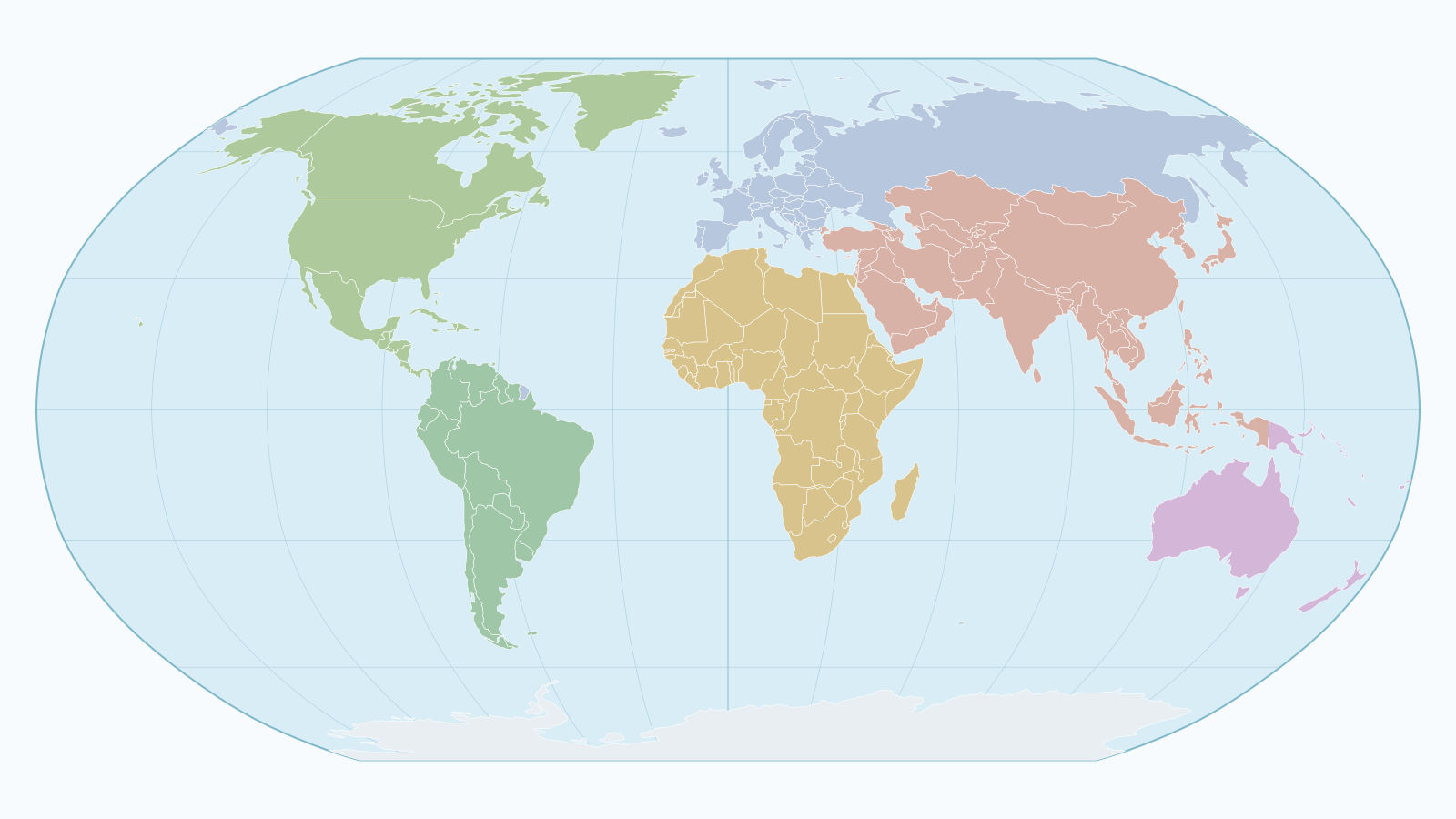
World Map with Ocean Background
Editable Robinson projection world map with ocean background, country borders, and graticule lines.

Euro Sign
Euro currency sign for EUR pricing, billing, and finance layouts.

Activity
Heartbeat-style activity icon from Feather.

Airplay
Display and casting icon from Feather.

Analytics
Analytics icon in Material style.

Aperture
Aperture icon for photography and optics.

Archive
Archive box icon in Feather style.

Arrow Right Circle
Circular arrow CTA in Feather style.

Castle Palace Symbol
Castle or palace symbol from Osmic.

Cinema Symbol
Cinema symbol from Osmic.