SVG guide
Use SVG graphics in Figma without cleanup work
A short workflow for finding, recoloring, and moving SVG graphics into Figma while keeping them editable.
Overview
The goal is speed: find the right asset, preview it, customize the colors you need, then download clean SVG for direct use in Figma.
Steps
- Start from a collection that matches the job: logos, illustrations, flags, cursors, or symbols.
- Open the asset page, preview it on light, dark, or transparent backgrounds, and switch to Customize colors when you need a different palette.
- Download the SVG version when you want editable vectors inside Figma.
- Use PNG export only when you need a fast raster asset for decks, docs, or fixed mockups.
Collections to start from
FAQ
Should I use SVG or PNG in Figma?
Use SVG when you want editable vectors. Use PNG when you only need a fixed raster preview.
What collections are best for Figma workflows?
Brand logos, illustrations, cursors, navigation symbols, and emoji artwork are usually the best starting points.
Recommended assets for this guide

Figma (Simple Icons)
Figma logo in SVG for design-tool pages.

Woman Rocket Flying
Launch scene for growth, onboarding, startup, or ship-ready states.
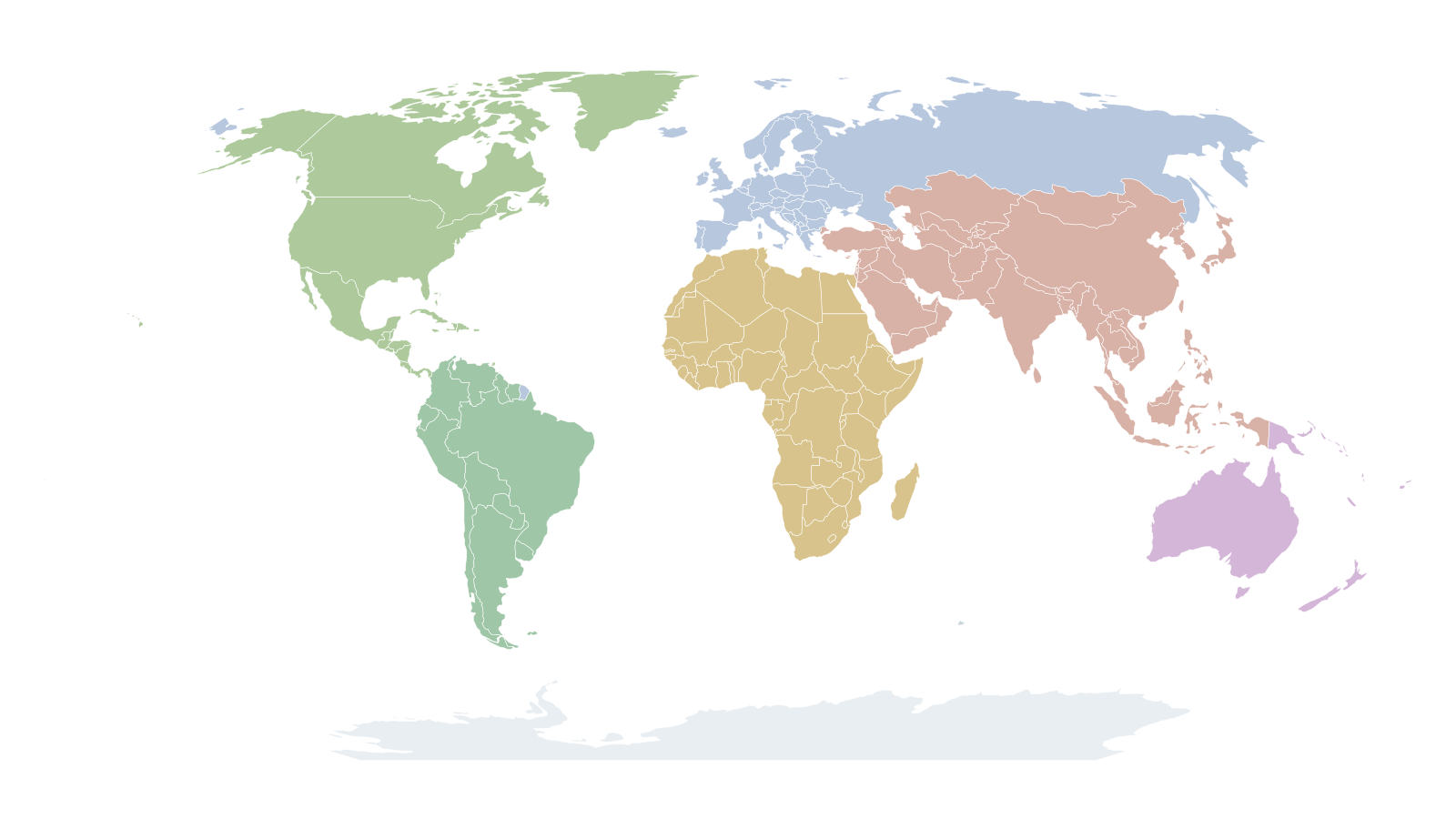
World Map Transparent Background
Editable SVG world map with transparent background and individual country paths.

Activity
Heartbeat-style activity icon from Feather.

Airplay
Display and casting icon from Feather.

Analytics
Analytics icon in Material style.

Aperture
Aperture icon for photography and optics.

Archive
Archive box icon in Feather style.

Arrow Right Circle
Circular arrow CTA in Feather style.

Anthropic
Anthropic brand logo in SVG.

Asana
Asana logo in SVG.

Behance
Behance SVG logo.